Raindrop.io alternative
Bookmash vs Raindrop: two different ways to manage bookmarks
Last updated September 3, 2026
Raindrop gives your bookmarks a new home in a dedicated cloud service. Bookmash takes a different approach: it works with the Chrome or Firefox bookmarks you already have, without requiring you to move them into another bookmark database.
7-day free trial. No card required.
Is Bookmash a good alternative to Raindrop?
Yes, if you want a Raindrop alternative that works with your existing Chrome or Firefox bookmarks without requiring you to import or migrate them. Bookmash uses your browser bookmarks directly, while Raindrop is a separate cloud-based bookmark library.
Raindrop is likely the better choice if you want a full cloud bookmark ecosystem, mobile apps, collaboration, web archiving, advanced content search, or the same independent bookmark library across many browsers and devices.
The biggest difference: where your bookmarks live
Bookmash
The existing browser bookmark tree remains the source of truth. Bookmash reads and edits it directly.
Raindrop
Raindrop provides its own cloud-based bookmark library and sync ecosystem, independent of any single browser.
Neither approach is inherently better — it's a trade-off. Bookmash optimizes for browser ownership and minimal migration. Raindrop optimizes for a rich, cross-platform bookmark ecosystem.
Bookmash vs Raindrop at a glance
| Bookmash | Raindrop | |
|---|---|---|
| Where bookmarks live | Your Chrome or Firefox browser | Raindrop's own cloud library |
| Import required to start | No | Only if you're moving an existing library into Raindrop |
| Uses existing Chrome bookmarks | Yes — reads them directly, nothing moved | No — new items are saved into Raindrop instead |
| Uses existing Firefox bookmarks | Yes — reads them directly, nothing moved | No — new items are saved into Raindrop instead |
| Separate bookmark library | No — the browser's bookmark tree is the only copy | Yes — Raindrop's cloud library |
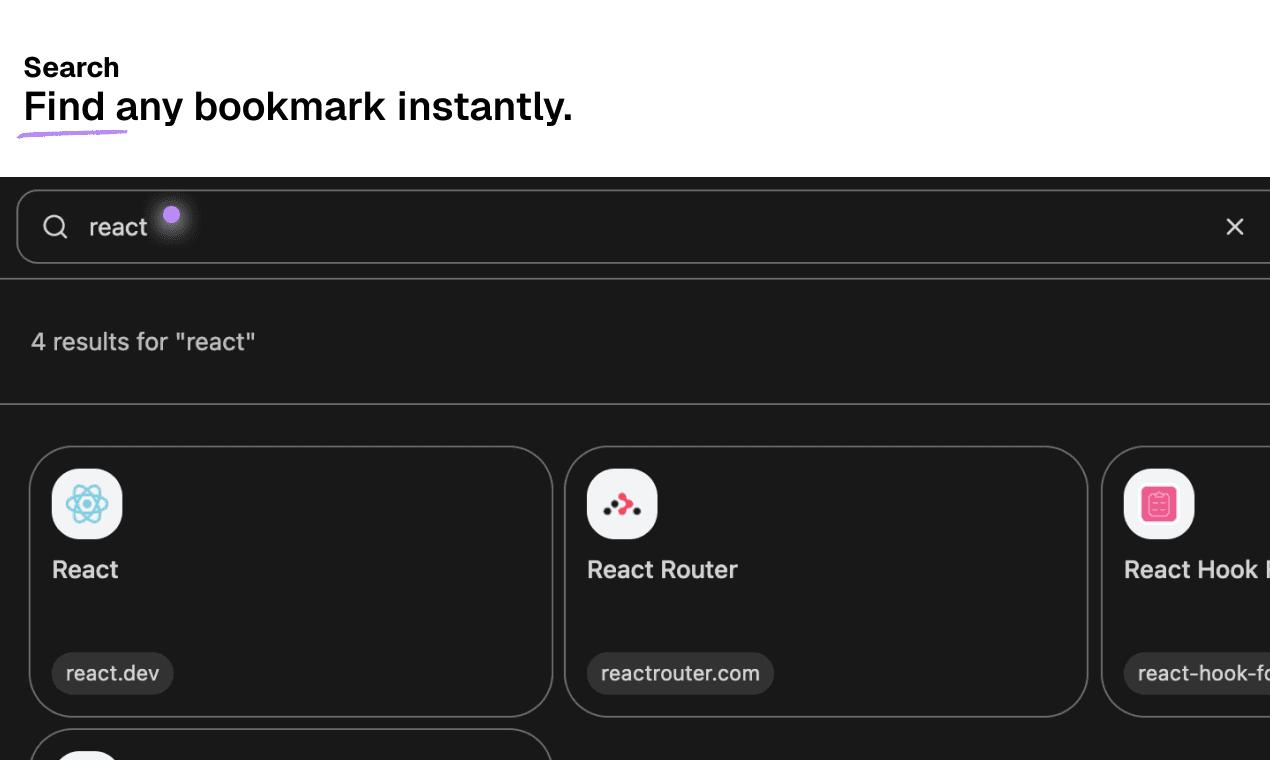
| Search | Instant search-as-you-type over titles, URLs and folders | Search across saved bookmarks and collections |
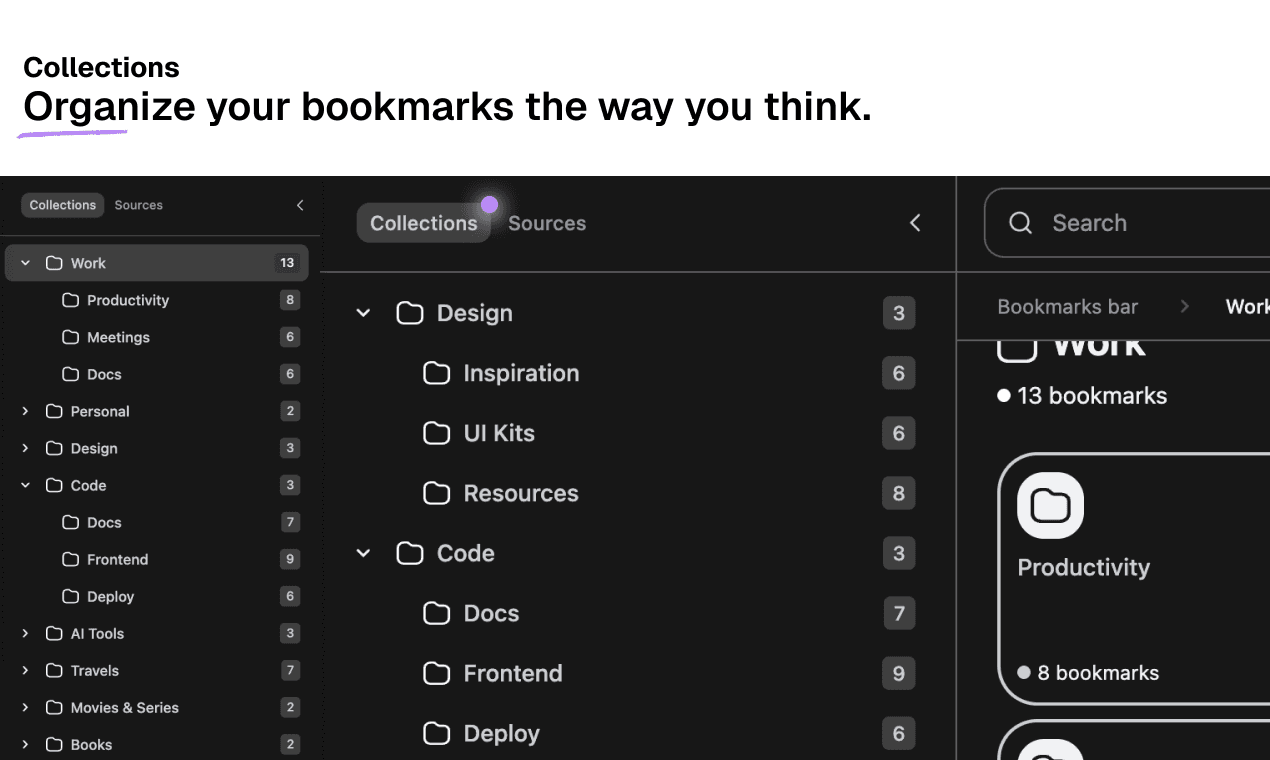
| Collections | Yes | Yes, including nested collections |
| Tags | No | Yes |
| Cross-device ecosystem | Follows your browser's own sync — no separate Bookmash layer | One library available across every browser and device you sign into |
| Mobile apps | No | Yes — iOS/iPadOS and Android |
| Desktop apps | No — works inside the browser | Yes — macOS and Windows |
| Browser extensions | Chrome and Firefox | Chrome, Firefox, Safari and Edge |
| Collaboration | No | Yes — shared collections with permissions |
| Public collections | No | Yes |
| Full-text page search | No | Available with Raindrop Pro |
| Web archive | No | Available with Raindrop Pro |
| Duplicate/broken link tools | No | Duplicate finder available with Raindrop Pro |
| AI features | No | AI assistant features on some plans |
| Best suited for | A better interface for the bookmarks already in your browser | One cloud-based bookmark library across every browser and device |
Showing 1 of 5: Dashboard
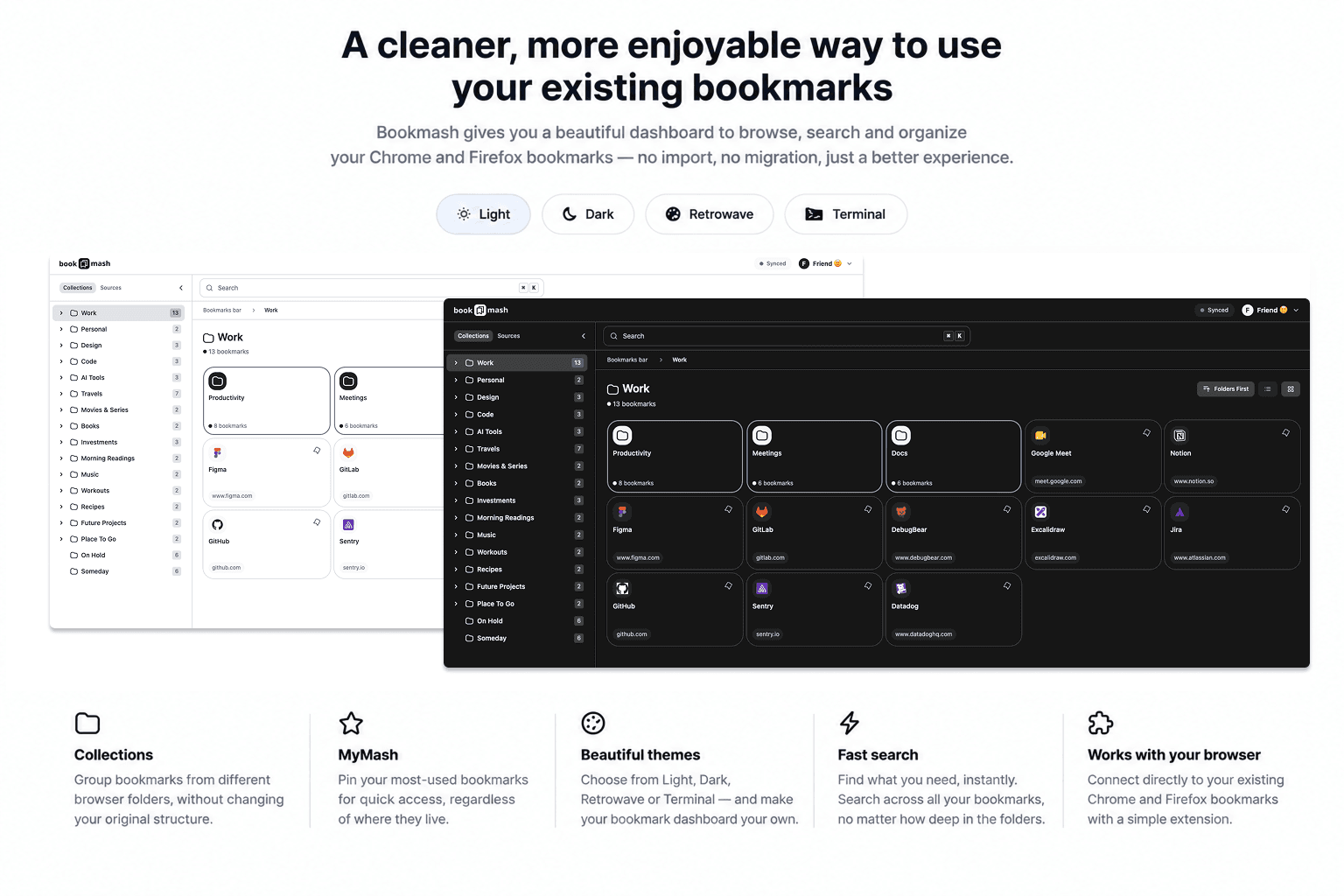
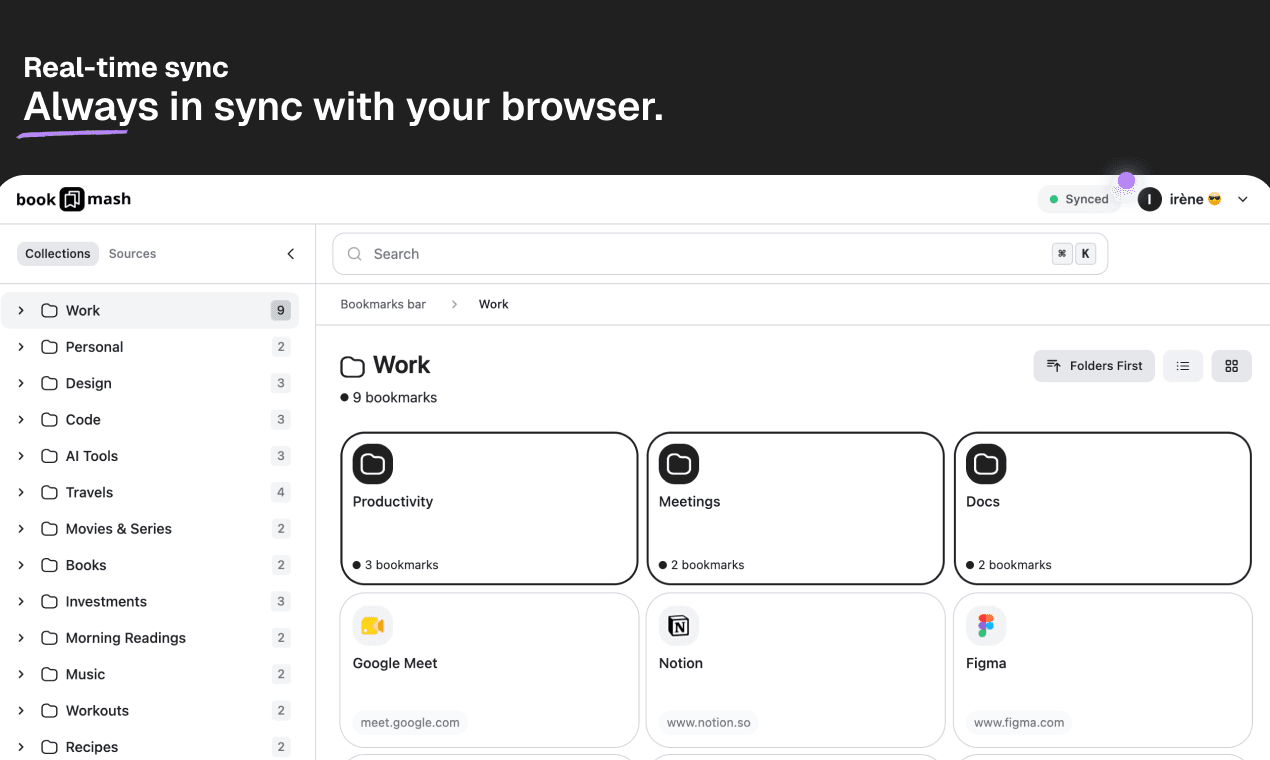
When Bookmash makes more sense
"I already have hundreds of Chrome or Firefox bookmarks"
Bookmash can work with that existing library right away — there's no import or migration step. Install the extension and your current bookmarks show up in the dashboard as they are.
"I want my browser bookmarks to remain the source of truth"
Bookmash is local-first: it reads and edits your browser's native bookmarks rather than replacing them. If you uninstall Bookmash, your bookmarks stay exactly where they were, in your browser.
"I don't want to maintain two bookmark libraries"
Bookmash is an interface over your browser bookmarks, not another destination for them. There's no second library to keep in sync with your browser.
"I mainly need to find and organize the bookmarks I already have"
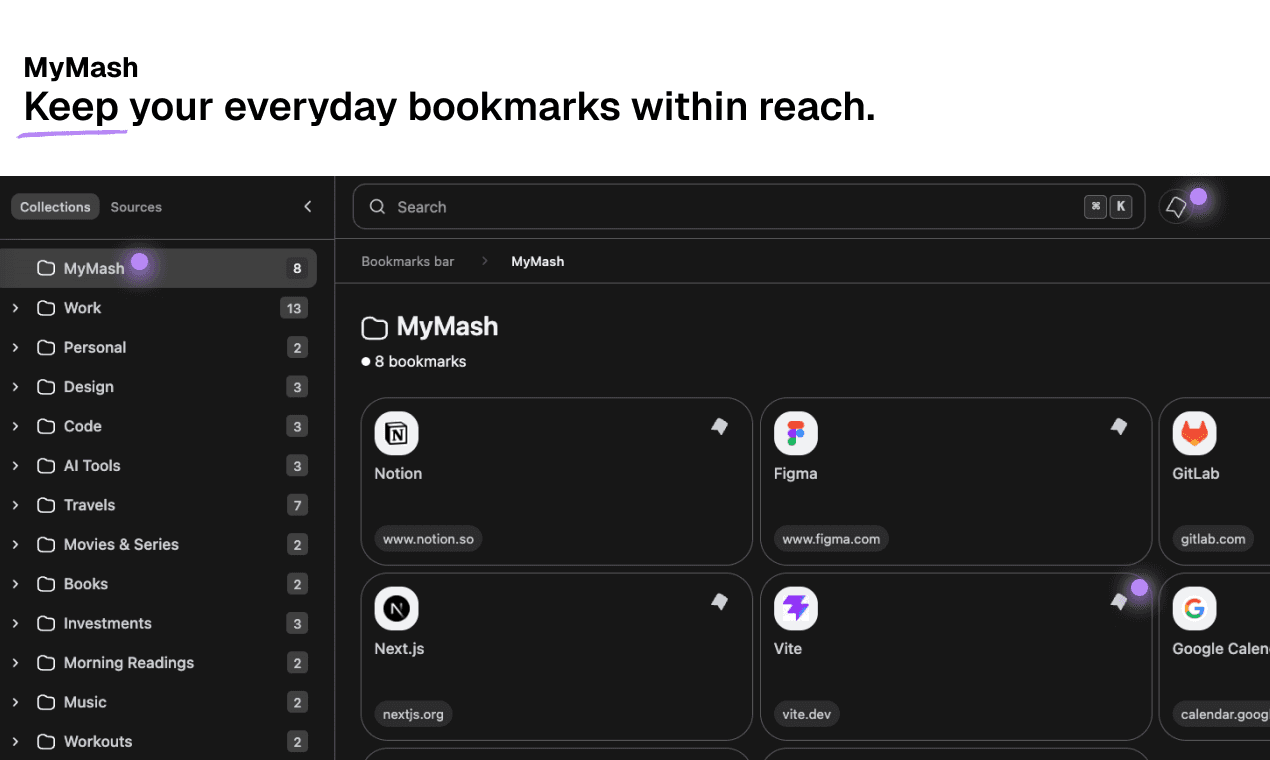
Bookmash adds instant search-as-you-type, Collections (grouping bookmarks from different browser folders into one view, without reorganizing those folders), and MyMash (starring a bookmark to pin it at the top for one-click access, without moving it out of its original folder) — on top of the bookmarks already in your browser, with grid and list views and inline editing.
When Raindrop may be the better choice
Raindrop is a mature, well-built product, and it's likely a better fit than Bookmash if you need:
- Native mobile apps for iOS/iPadOS and Android
- Desktop apps for macOS and Windows
- A cloud-based bookmark library that follows you across browsers and devices
- Team collaboration on shared collections
- Public or shared collections
- Web archiving of saved pages
- Full-text search through saved page content
- AI-assisted bookmark organization or search
- Duplicate-link tools
If any of these matter more to you than keeping your browser as the source of truth, Raindrop is worth choosing over Bookmash.
Do I need to import my Raindrop bookmarks into Bookmash?
If your bookmarks currently exist only inside Raindrop, Bookmash cannot access them directly — Bookmash works with bookmarks stored in Chrome or Firefox, not with Raindrop's cloud library. Moving from Raindrop to Bookmash would first require your bookmarks to exist in your browser's own bookmark system.
If you already use Chrome or Firefox bookmarks day to day, there's no Bookmash-specific import step at all — install the extension and it works with what's already there.
A different approach to bookmark data
Bookmash does not store a server-side copy of your bookmarks. Bookmark data stays within the browser and browser-extension architecture: Bookmash accesses your bookmarks through its extension, and the browser remains the source of truth.
See how Bookmash handles your data for more detail on this architecture.
Who should choose which?
Choose Bookmash if...
- Your bookmarks already live in Chrome or Firefox
- You want to keep the browser as the source of truth
- You don't want to migrate to another bookmark database
- Your main problem is finding and organizing existing browser bookmarks
- You prefer a local-first approach
Choose Raindrop if...
- You want a standalone bookmark ecosystem
- You use bookmarks heavily across mobile and desktop
- Collaboration matters to you
- You want public collections
- You need full-text content search or web archives
- You want Raindrop's advanced or AI features
Comparing more than just Raindrop?
Raindrop is one of several bookmark managers worth considering. See our full comparison of the best bookmark managers for how Bookmash, Raindrop.io, Deepmark, Karakeep, Linkwarden, Pinboard and native browser bookmarks stack up against each other. If you're weighing a customizable start page instead of a cloud bookmark library, see Bookmash vs start.me, or read Bookmash vs Linkwarden if archiving and self-hosting matter more to you than a synced cloud library, or Bookmash vs Karakeep if you want AI-assisted search across more than just bookmarks, or Bookmash vs Toby if you're really after a visual workspace for open tabs.
Or see Bookmash working on real bookmarks in the interactive demo, no account required.
Frequently Asked Questions
Yes, in the sense that both help you manage bookmarks — but they take different approaches. Raindrop moves your bookmarks into its own cloud library. Bookmash works directly with the bookmarks already stored in Chrome or Firefox, without requiring you to move them anywhere.
The main difference is where your bookmarks live. Raindrop stores bookmarks in its own cloud database, giving it mobile apps, desktop apps and a library that follows you across browsers and devices. Bookmash reads and edits the bookmarks already stored in your browser, so the browser stays the source of truth and there is no separate Bookmash database.
Not directly. Bookmash works with bookmarks stored in Chrome or Firefox, not with Raindrop's cloud library. If your bookmarks currently exist only inside Raindrop, they would need to exist in your browser's own bookmark system before Bookmash can work with them.
No. Bookmash does not keep a server-side copy of your bookmarks. It accesses them through its browser extension, and the browser's native bookmark tree remains the source of truth. See how Bookmash handles your data for more detail.
Yes. Install the Bookmash extension and it works with the bookmarks already saved in Chrome — no import step required.
Yes. Bookmash also has a Firefox extension that works directly with Firefox's native bookmarks. See our full guide to the best Firefox bookmark managers for how Bookmash compares to other Firefox options.
No. Bookmash reads whichever browser's native bookmark store is open. If you use both Chrome and Firefox, each keeps its own separate bookmark set, and Bookmash doesn't merge them into one account-level library the way Raindrop does. If you rely on your browser's own account sync (for example, being signed into Chrome or Firefox), that continues to work independently of Bookmash.
Neither is universally better. Raindrop is more suitable for users wanting a complete cloud-based, cross-platform bookmark service with mobile apps, collaboration and content search. Bookmash is designed for people who want to keep using their browser bookmarks while getting a better way to search, organize and use them.
Keep your bookmarks. Change how you use them.
No migration into a separate cloud library, no new mobile app to learn. Bookmash works with the Chrome or Firefox bookmarks you already have, right where they are.
7-day free trial. No card required.